
Current Customer Status
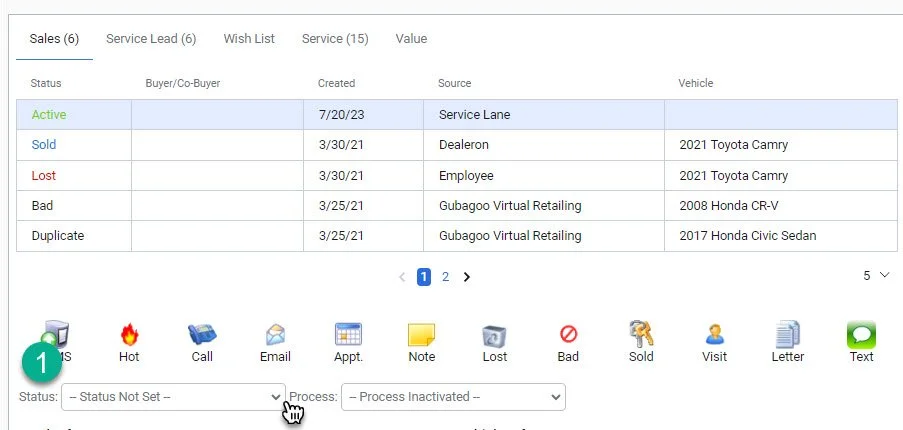
1- Click on the “Status” drop down arrow
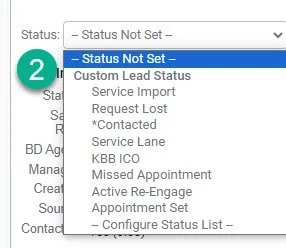
2- Select the current customer status
Note: After first making contact with a customer change the status to “contacted”
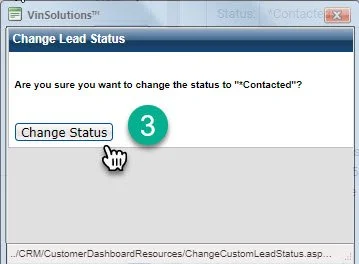
3- Click “Change status” to have the customer status successfully updated