

1- Click on the email widget
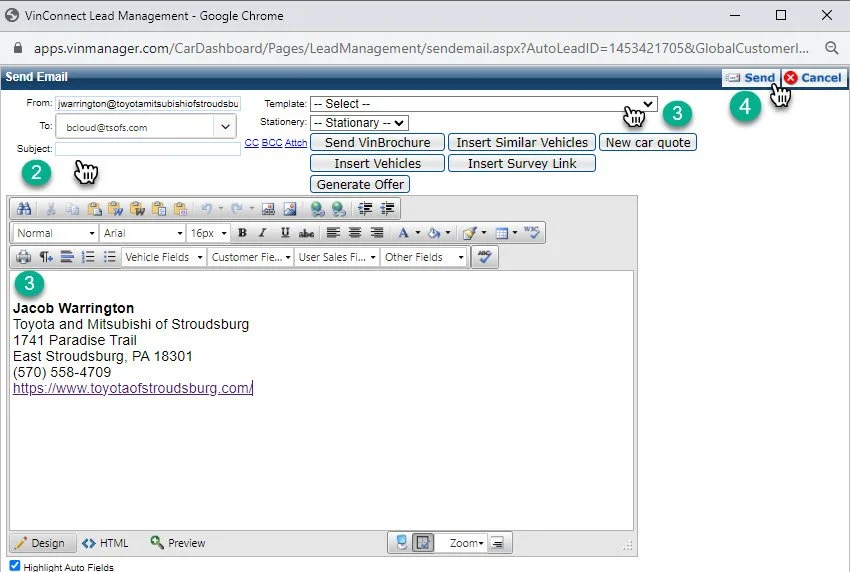
2- Type in the “subject” for your email
3- Click on the “Template” drop down arrow. This will give you access to a number of pre-writing templates to send to your customers. Select which one applies best to the email you are sending.
3- If non of the templates apply. Click into the message box of the email and begin typing your personalized email.
4- Review your email and click send