
How to Mark A lead “Lost”- Salesperson
The salesperson assigned to the customer does not have the ability to actually mark a lead lost. This can only be performed by a manager.
The profile itself will still have the button, but it will not do anything. The salesperson will be adjusting the custom status of the record to alert the manager and they will mark the lead lost.
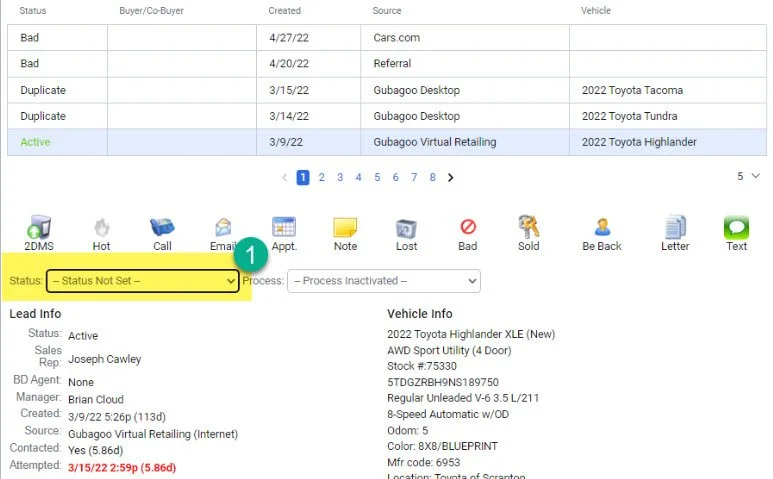
1- Locate the “Status” Section on the customer profile and click the drop-down.
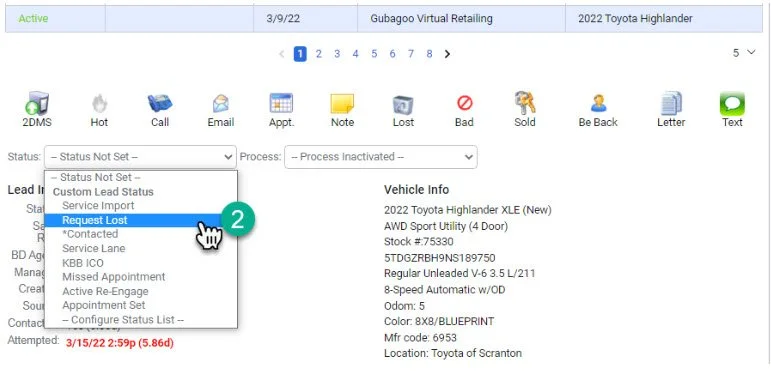
2-Select the “Request Lost” Custom Process
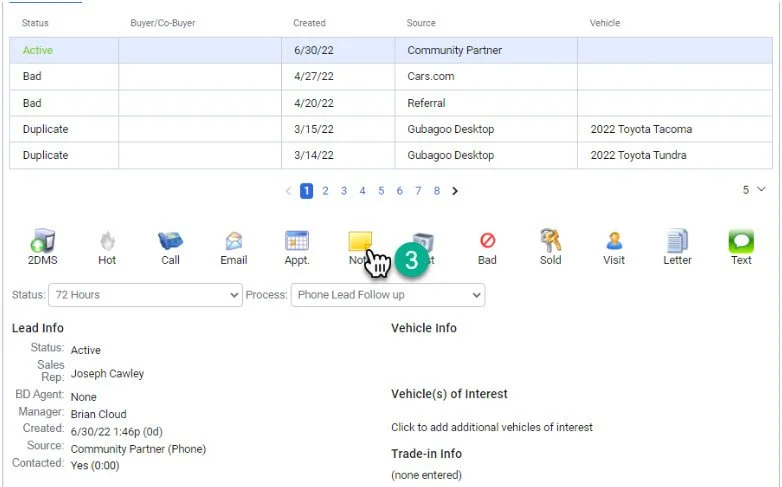
3- Click on the “Note” button
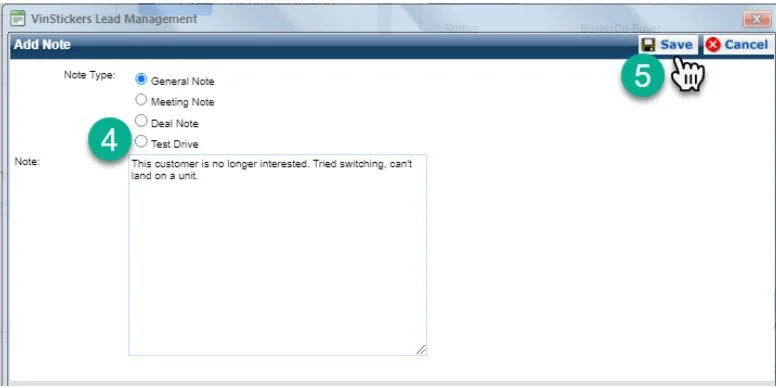
4- In the note section, leave a detailed note explaining why the customer should be marked lost.
5- Click the “Save” button.