
Customer Note
The customer note section is only to be used by the management team to communicate an urgent alert. Anyone can update this section without leaving a visible audit trail. To receive an audit trail, you can contact VinSolutions Support.

1- Click on the note section where it says “Click to add customer note”
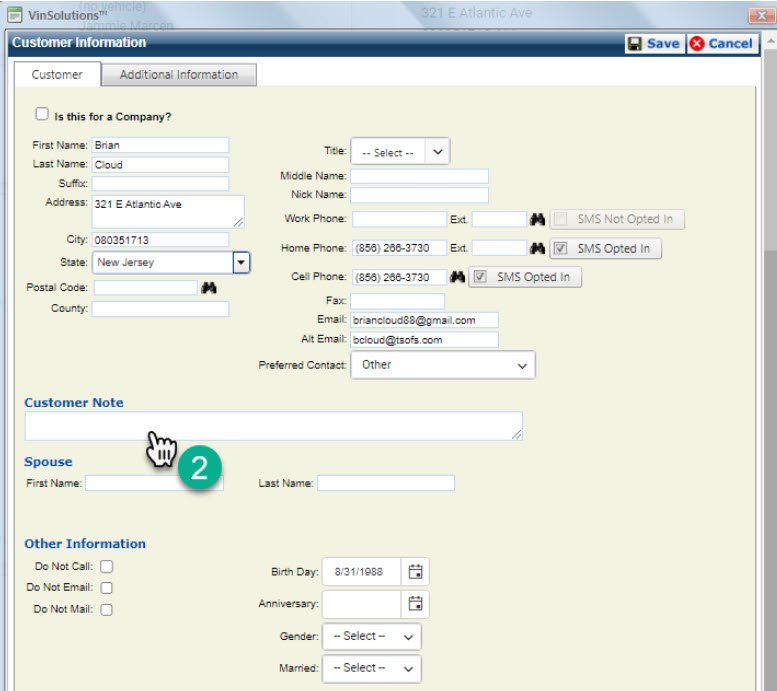
2- This will open the Customer Information Dashboard. Scroll down to the customer note section, click inside the text box, and leave the desired note.

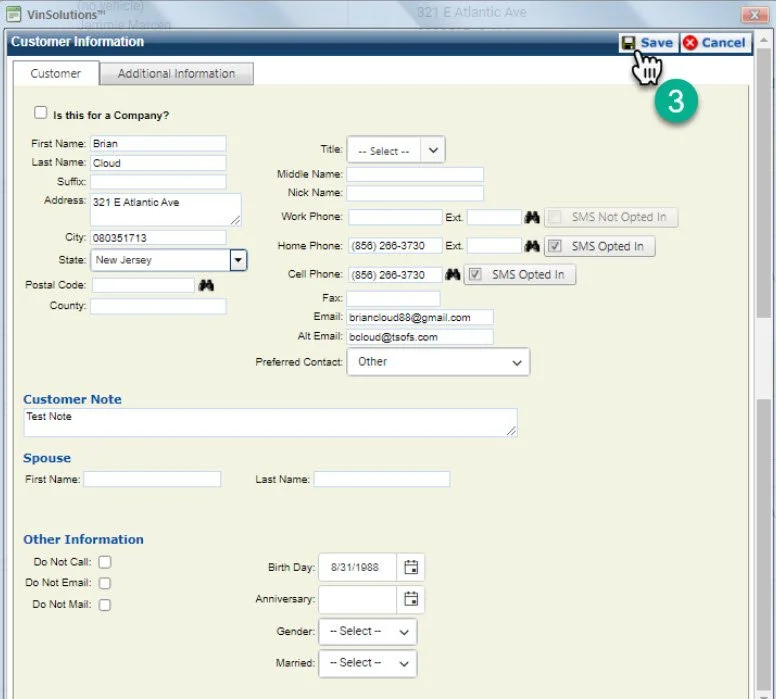
3- Click “Save”
4- The note will now appear on the customer profile.