
Text Widget
1- Click on the text icon
Note: If your text icon is grey. You will need to opt-in the customers phone number.
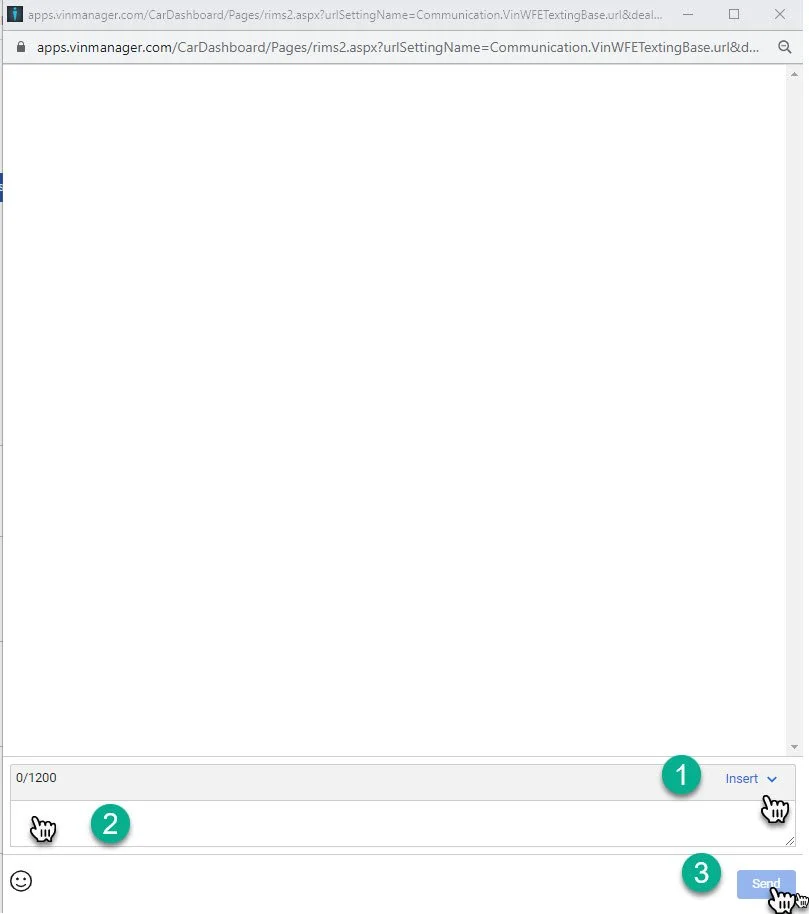
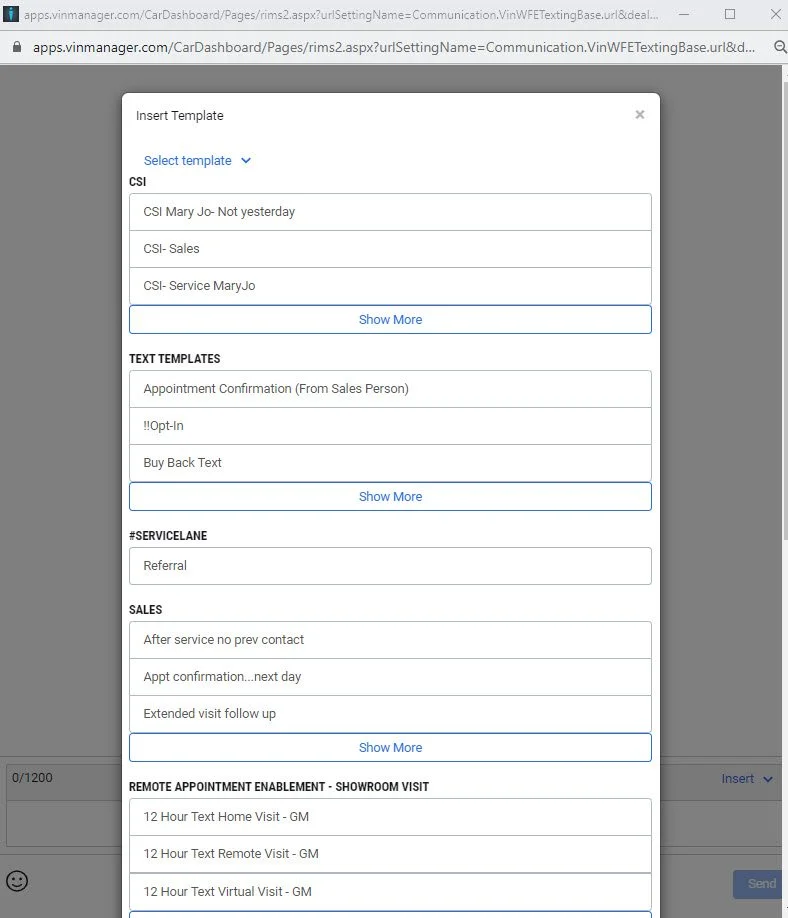
1- The “Insert” Widget has a selection of text templates inside. Check to see if any of the template apply to the text message you are sending to your customer.
2- If non of the templates apply to the message. Type your own text message to the customer.
3- Click send