
Creating a General Note
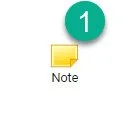
1- Click on the Note widget
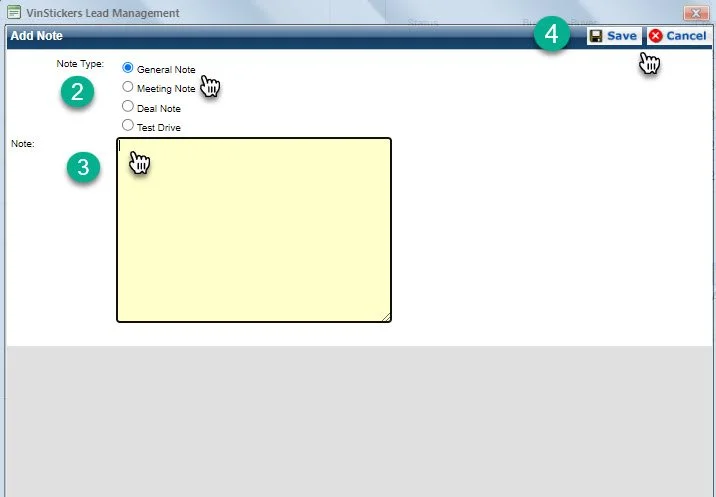
2- Select Note Type ( Use General Note )
3- Type the note you would like to add
4- Click Save
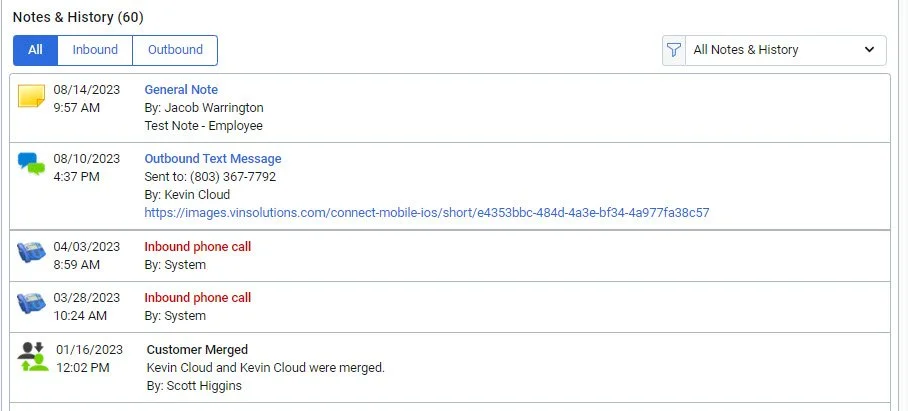
Here you will see your Note is logged under “Notes & History” in the customers profile.
Note: The note will only be logged under the lead you select and not all leads in the customers profile.