
Print Summary
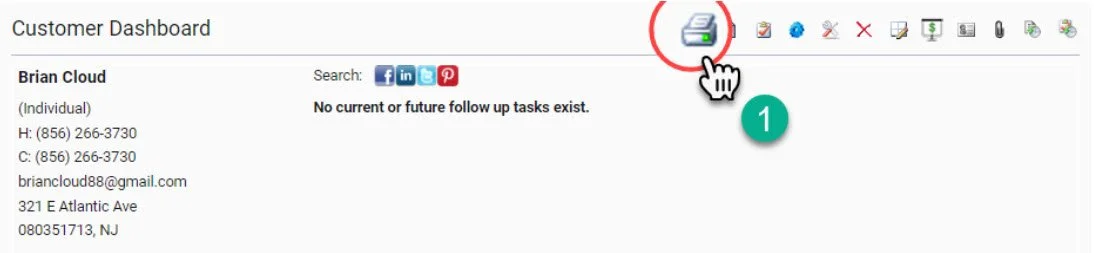
From time to time you may need to print a customer profile. Simply choosing File>Print from the browser will provide a format that is very difficult to read. Should you need to print a customer profile, the Print Summary action will provide you with the best paper version of the profile.
1- Select the Print forms Packet Icon from the Quick Action Profile Management Dashboard
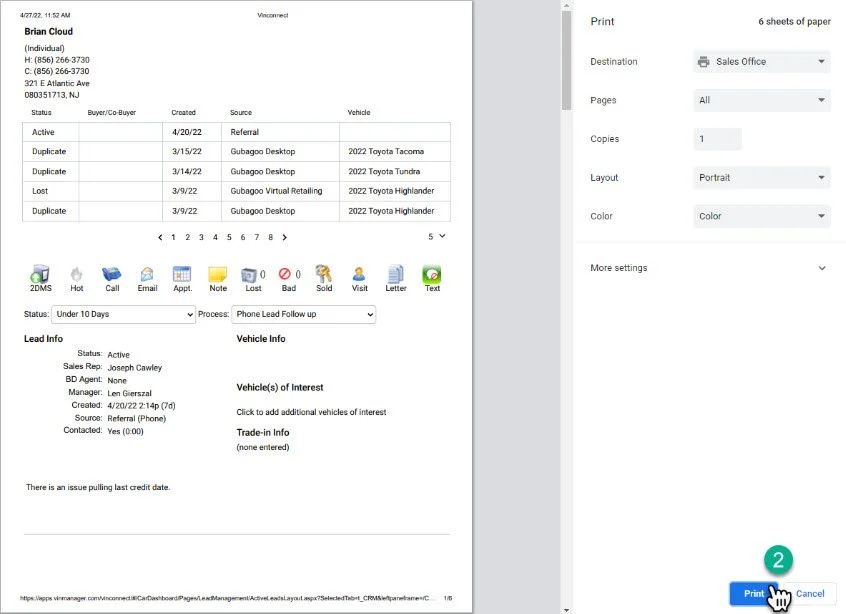
2- A print preview screen will appear, select print in the bottom right hand corner. Take a moment to make note of which printer you are sending the file to in the destination section prior to printing and make your way to that printer.