Service Business Page
In the customer profile, you have the ability to access a Service log. Which lists customer RO’s in order with all the relative information to that RO.
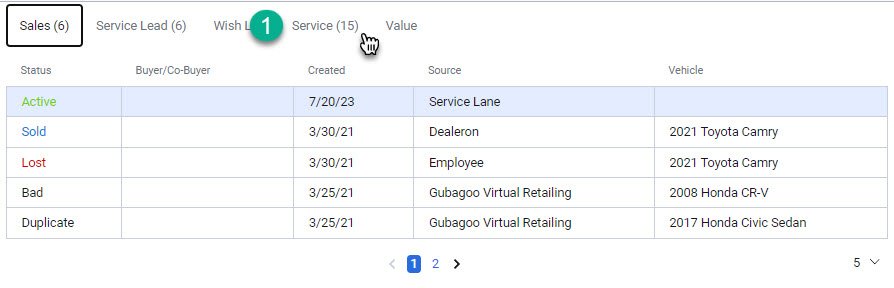
1- Navigate to the 'Service' tab located within the 'Information and Leads' section of the business unit.
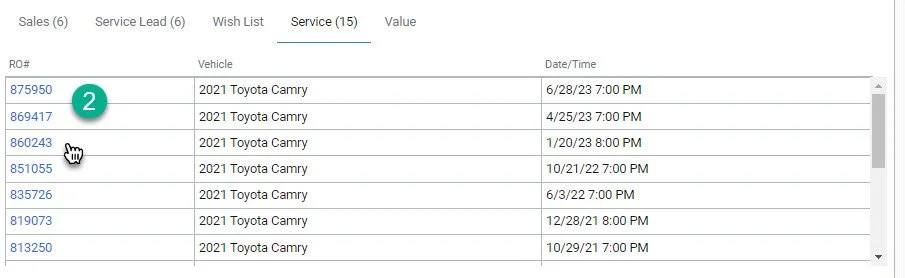
2- Click on the RO# you wish to select. Note: You will be able to see the Vehicle, Date and Time associated with the RO#
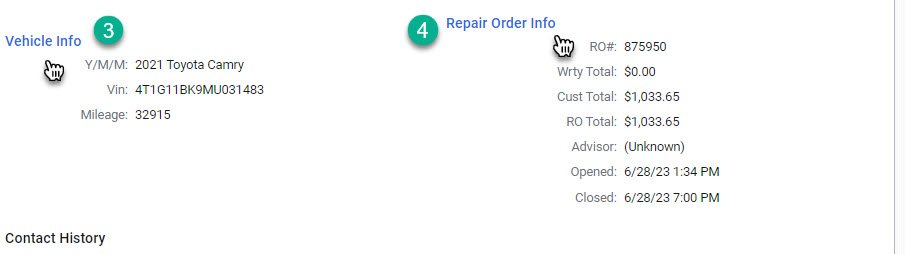
3- Shows vehicle Info associated with the RO#. Date of visit, Vin #, And Mileage on day of visit.
4- Shows repair order Info. Including: RO#, Costs, Service Advisor, Open/Close Date.
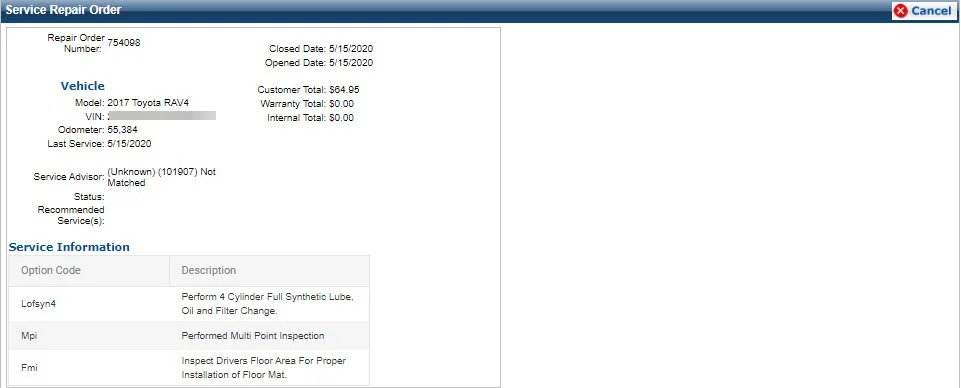
Note: Click on Repair Order info widget to see Services Completed