
Vauto Mobile Appraisals
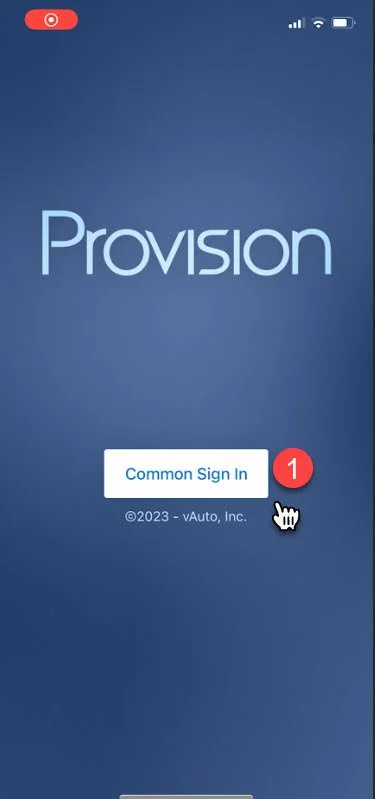
1- Log in to your account
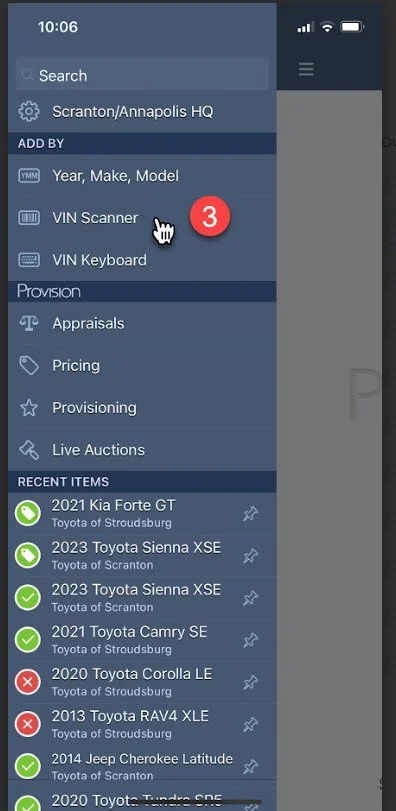
2- Open Dashboard by tapping in the top left corner

3- Select “Vin Scanner”
Note: You can also select “Vin Keyboard” and enter the vin number manually
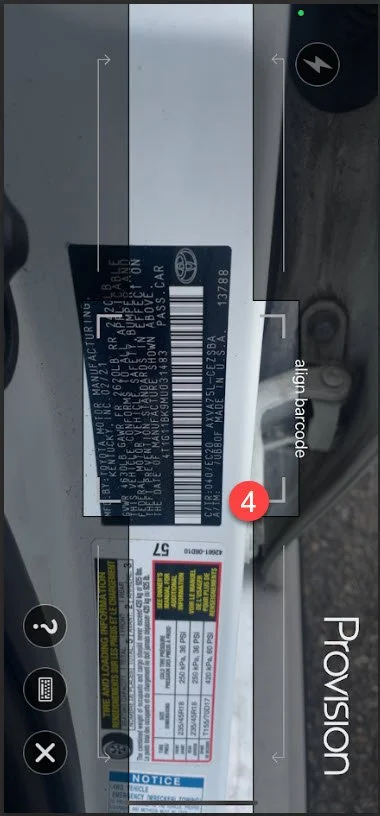
4- Scan customers Vin barcode located on the inside of driver side door
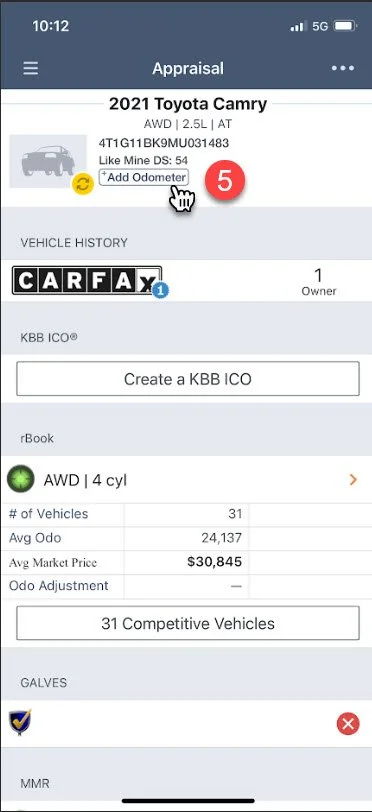
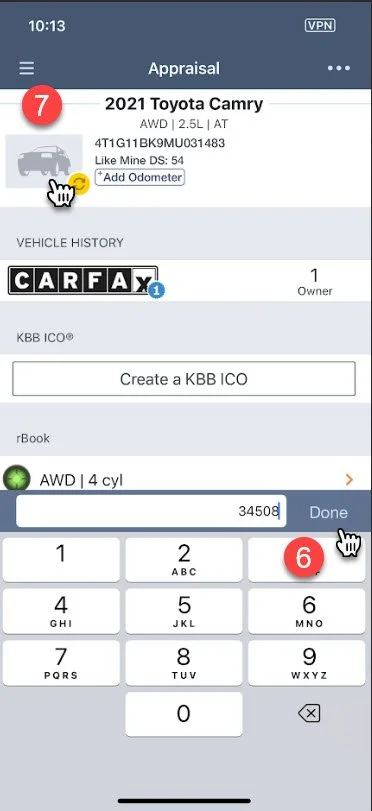
5- Enter vehicle odometer reading by tapping “Add Odometer”
6- Enter the mileage of the vehicle and tap “Done”
7- Tap on the vehicle picture icon to begin capture vehicle photos
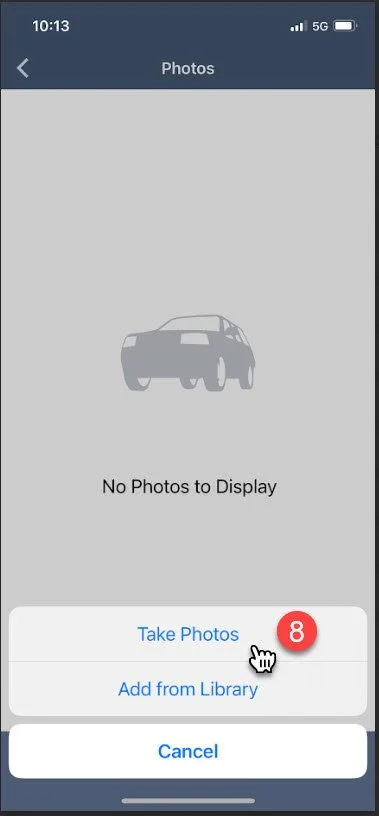
8- Tap “Take Photos”
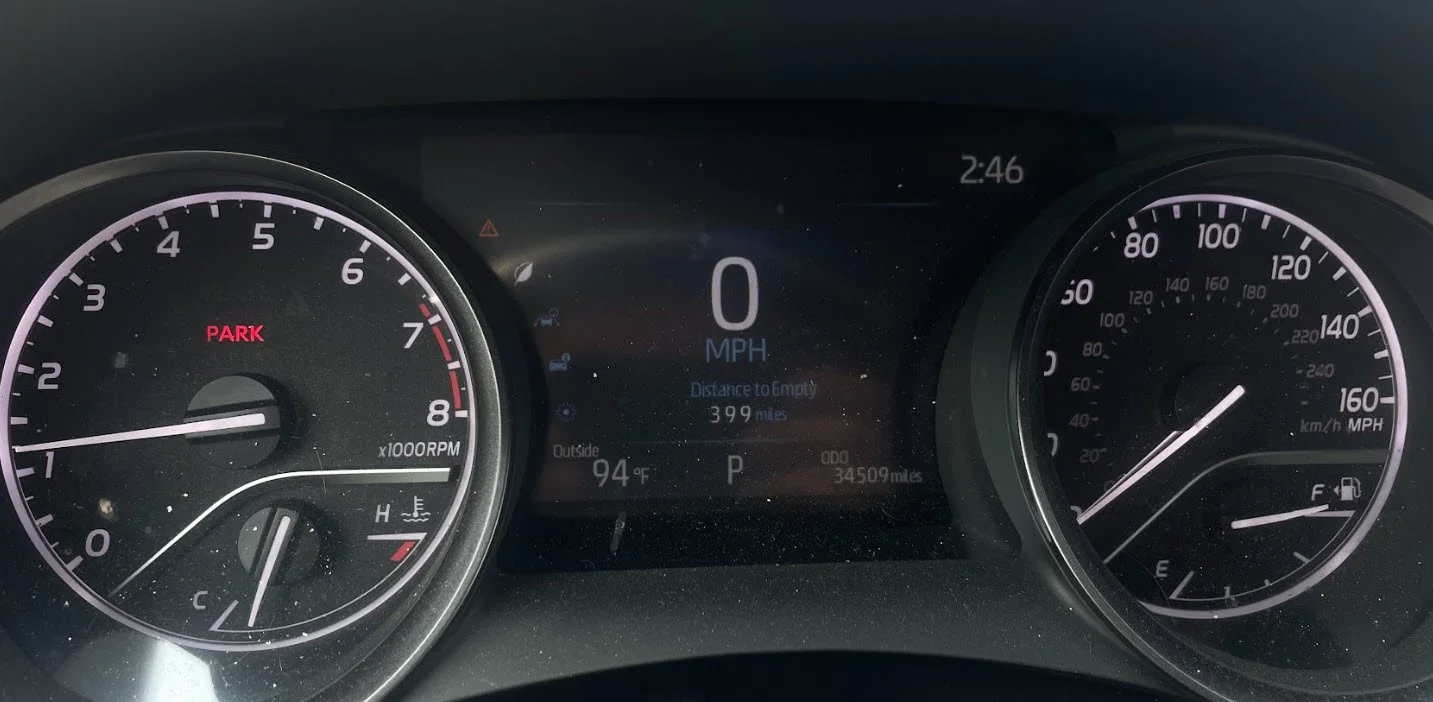
9- Capture photos
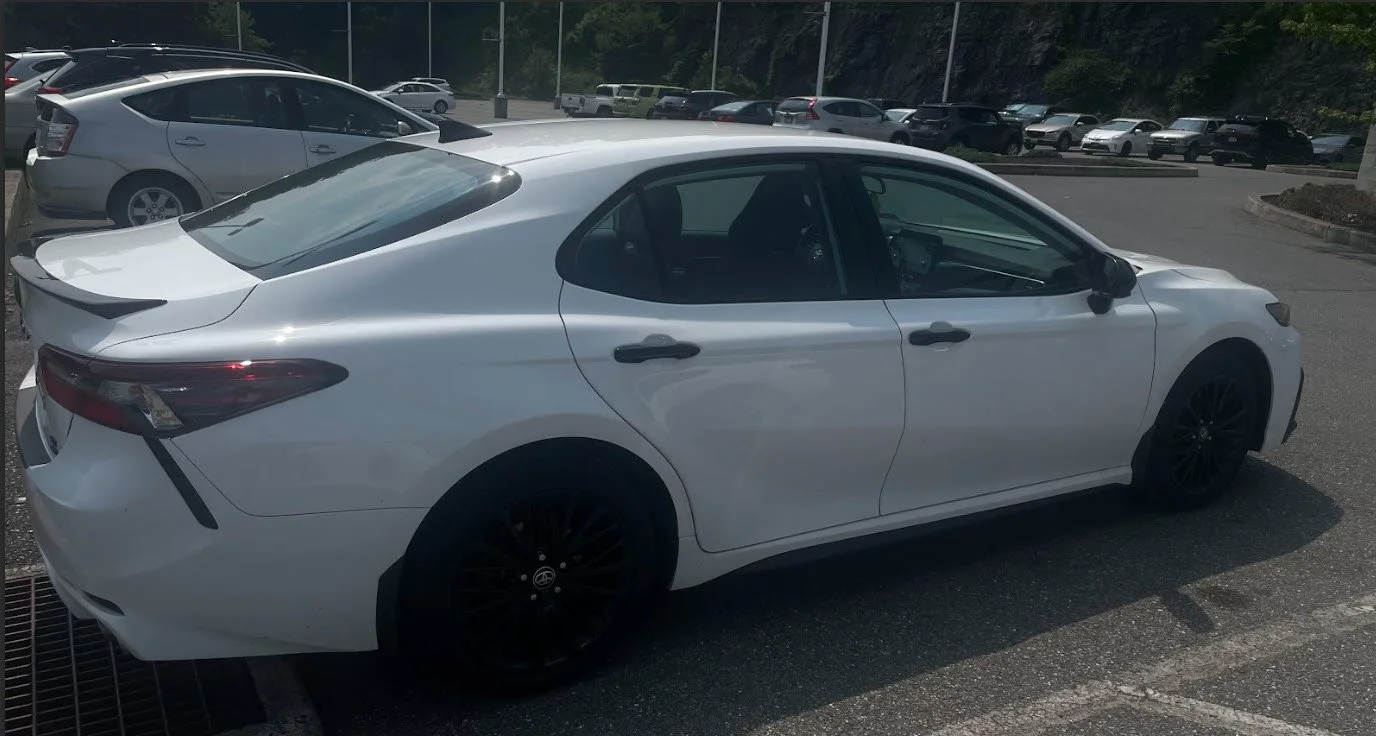
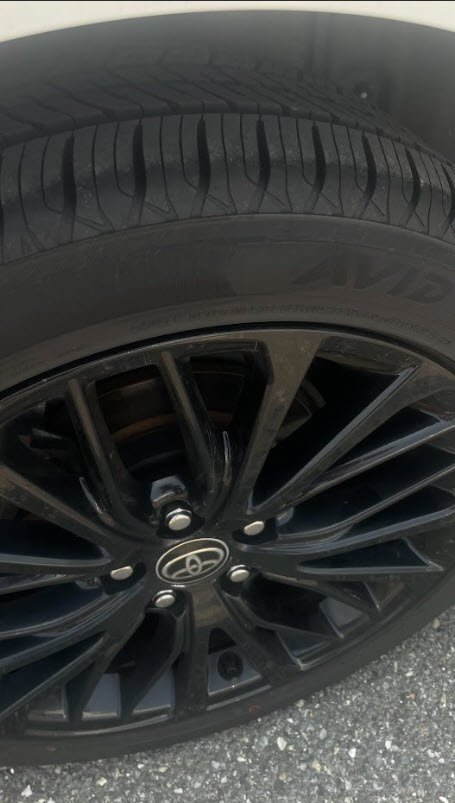
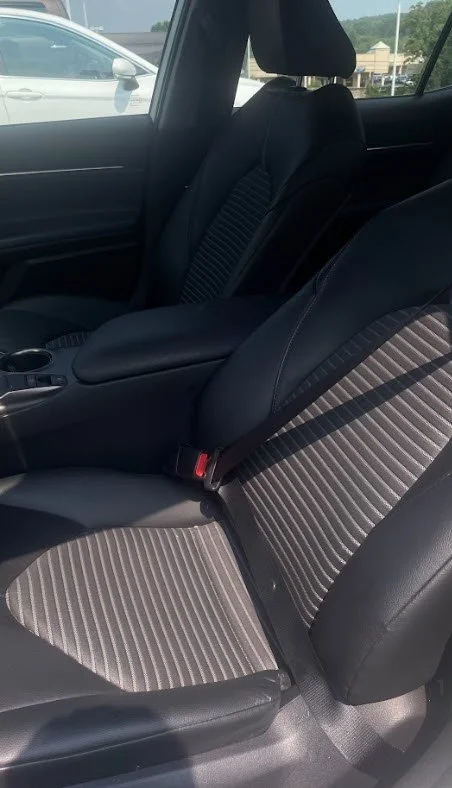
Pictures must include: A visible picture of the odometer and any warning lights, all four tires and tread levels, Any major or minor damages on the vehicle, windshield, front of vehicle, sides of vehicle, vehicle rear, and vehicle interior. Capture pictures of any damage, scratches, or dents.
Your vehicle photos will automatically load into VAuto