
Creating a Wishlist
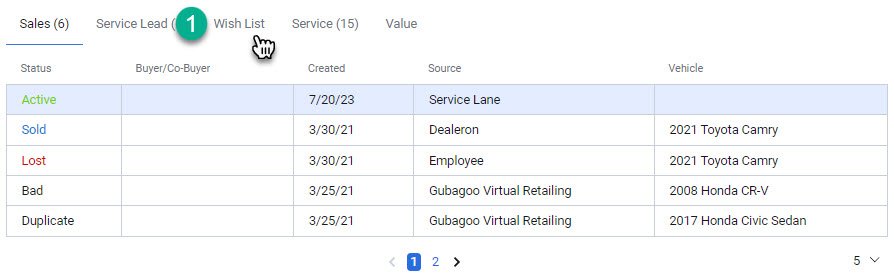
In the customer profile, you have the ability to create a Wishlist. To create a Wishlist for a specific vehicle that a customer desires, follow these steps
1- Navigate to the ‘Wishlist’ tab located in the ‘information and leads’ section of the business unit.
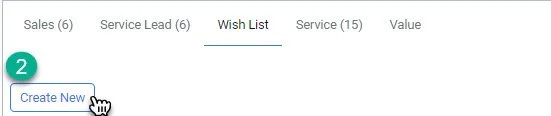
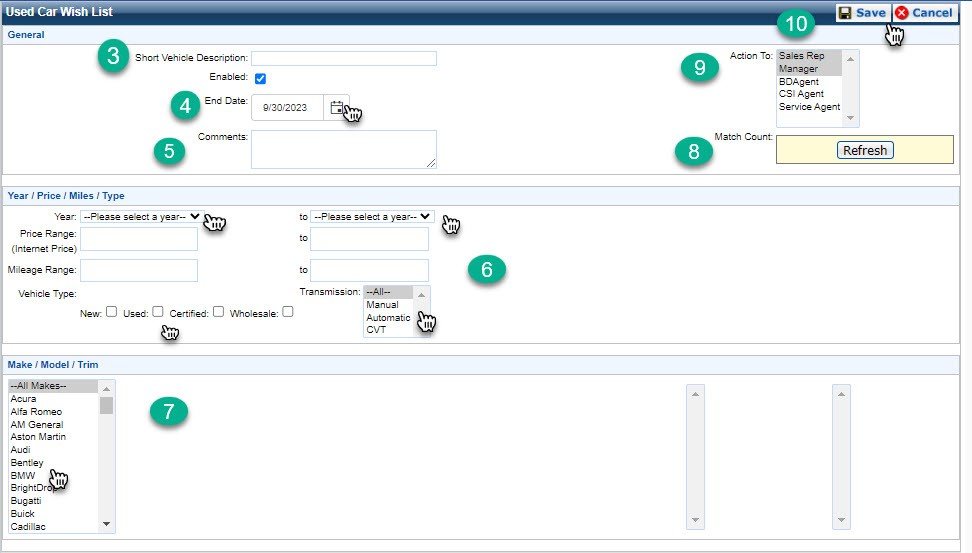
2- Click on ‘Create New’
3- Enter a vehicle Description for the vehicle you are searching for
4- Select and End Date for your search
5- Add any additional comments
6- Apply filters for your search including Year, Price, Miles, Transmission, and Type of vehicle
7- Select the Make, Model, and Trim
8- You will be able to see if there is any active matches in the inventory system before saving
9- Make sure the Wishlist is assigned to you
10- Click Save
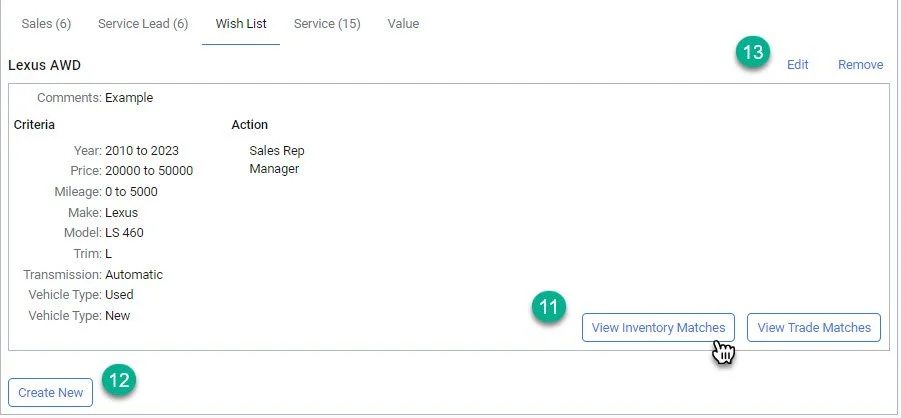
11- Click here to view any active matches
12- Click here to create another wishlist in the customer profile
13- Click here to edit or remove your existing wishlist