
Add a New Lead
At times you will need to add a new lead to a customer profile. If there is an active sales lead on a customer profile you will only be able to add a service lead. Make sure you check a customer for duplicate leads prior to adding a new lead.
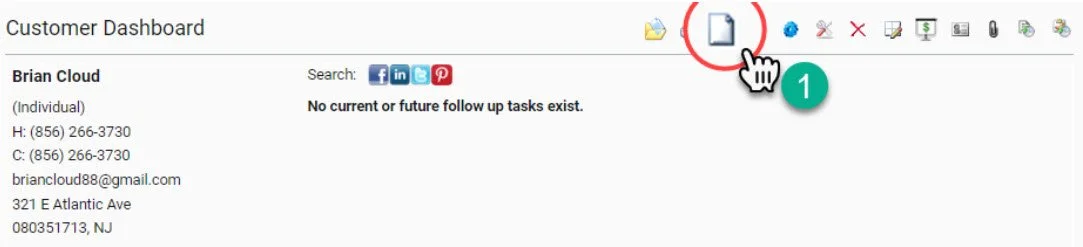
1- Select the Add a New Lead Icon from the Quick Action Profile Management Dashboard
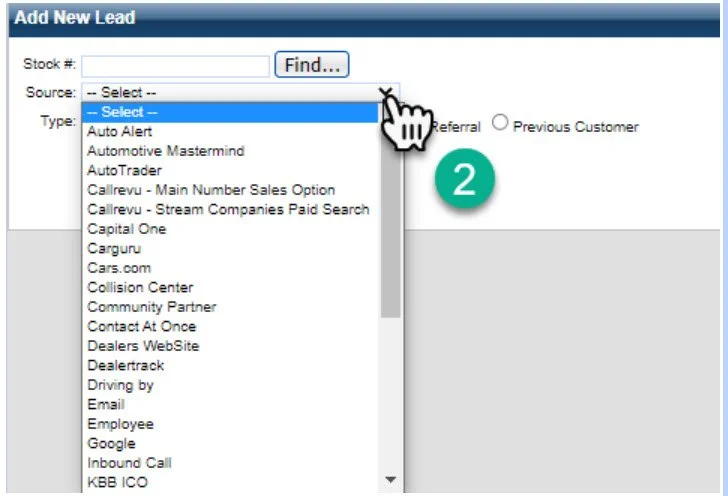
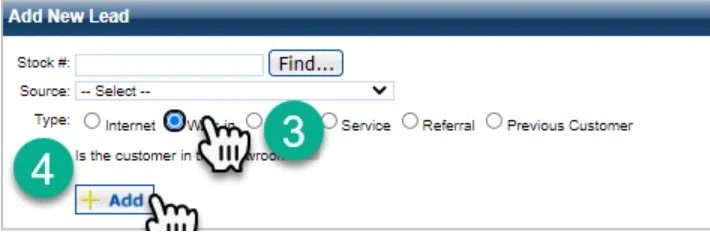
3- Choose your Lead Type. For more information on choosing a lead type please click here.
4- Click add to add the new lead to the customer profile. It will now show as the newest active lead on the profile.