
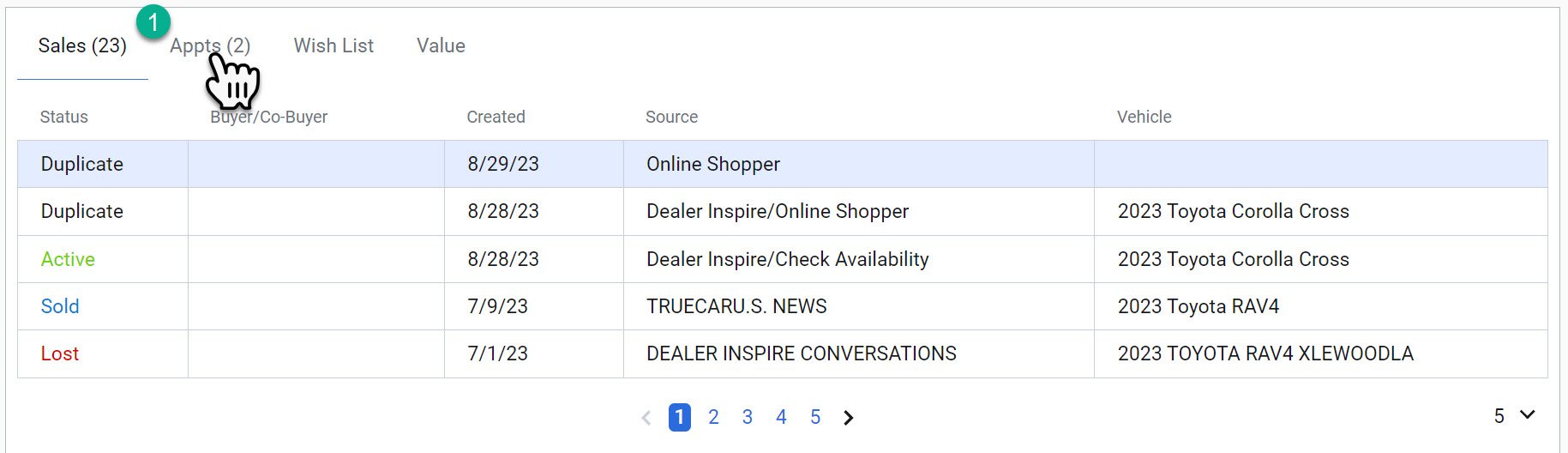
Appointments from the Customer Profile
In the customer profile, you have the ability to access both past and upcoming appointments. To view appointments and take necessary actions, follow these steps
1- Navigate to the 'Appointments' tab located within the 'Information and Leads' section of the business unit.

Within this tab, you'll find a list of appointments. To proceed with updates, follow these actions:
2- Click on the appointment's date and time, location, or reason. This will open the Appointment Next Steps Screen
3- If a specific vehicle is associated with the appointment, you can access its details by clicking on the corresponding stock number.