
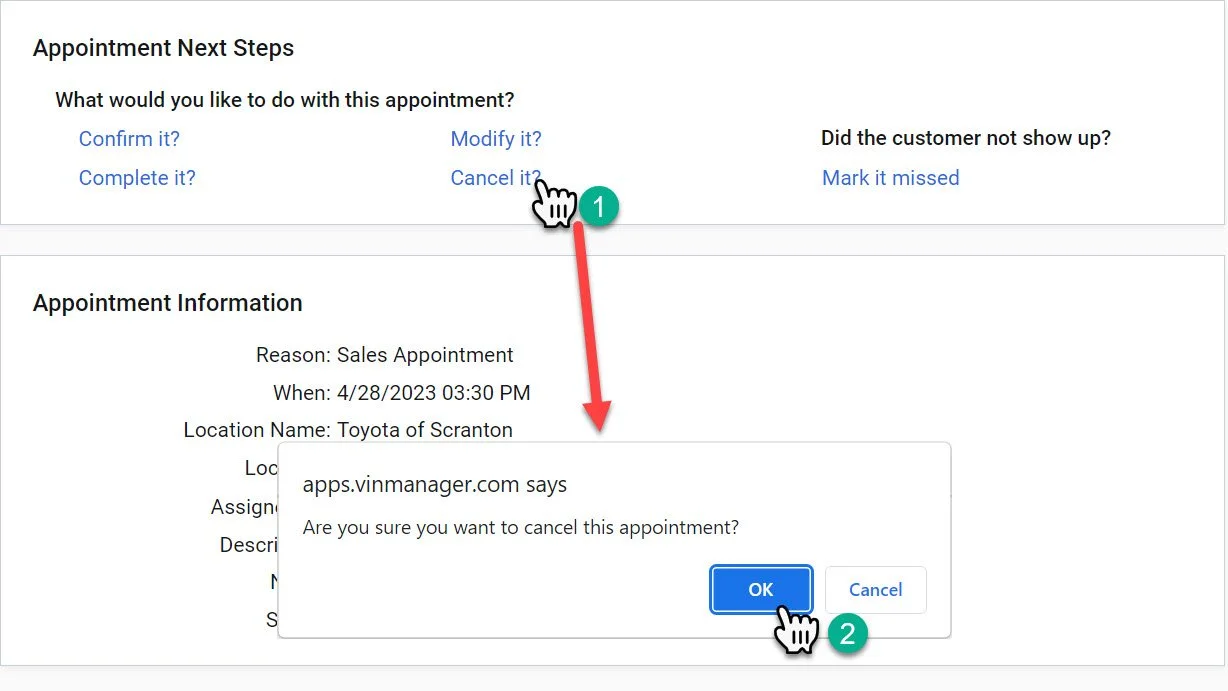
Marking the Appointment Missed
Note: If you are unsure of how to access the “Appointment Next Steps Widget” please refer to the “Dealership Sales Appointment Widget” page.
1- Click the “Mark it missed” link.
It will almost appear as nothing has happened when you click the link. The screen will flash and update the appointment.
Marking the appointment missed is important when a customer does not show.
This categorizes the appointments in the appointment log and makes it easier to follow up correctly.