
Logging Into Outlook
Begin by going to Outlook.com.
Click here for a link to open in new tab
Locate the and click the “Sign in” button. It will look like this:

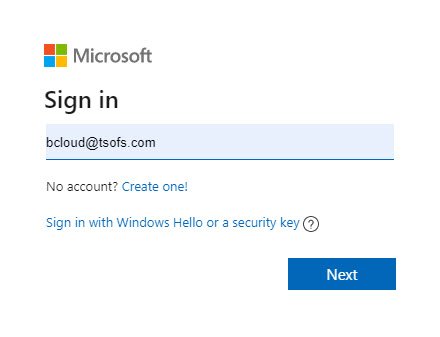
Log in using your company email:
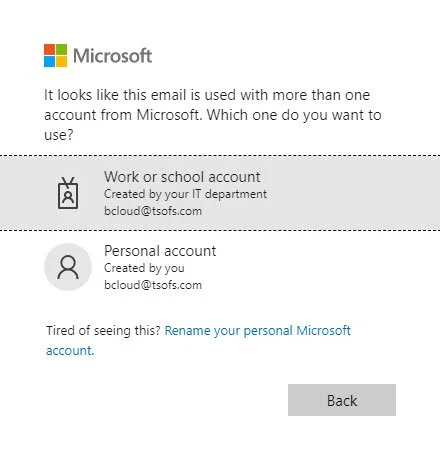
Choose “Work or school account”
Select “Skip for now”

Use the same password to log into your email that you would use to log into your computer.
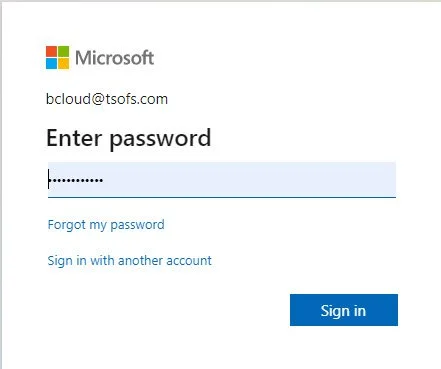
Click Sign In.
You are now logged into the web version of Microsoft Outlook.